cwMarkdown — a calm Markdown reader for macOS
v1.0

cwMarkdown

A native macOS Markdown viewer — no editing, no clutter, just a beautiful reading experience close to Typora. Open any .md file and read it the way it was meant to be read.

Documents render in a centered reading column with carefully tuned typography, a live outline that follows your scroll, syntax-highlighted code, and crisp KaTeX math — all offline, all native. Light, dark, and system appearance; vim-style navigation; and automatic reload when the file changes on disk.

Read‑only
A pure viewer.
Presentation first,
nothing to configure
Offline
marked · highlight.js
· KaTeX bundled in,
no network needed
Native
SwiftUI app with a
WKWebView reader,
Apple-Silicon ready
⤓  Download cwMarkdown-1.0.dmg
macOS 13+ · Apple Silicon
1.6 MB · signed DMG installer · unverified-developer gatekeeper: right-click Open the first time
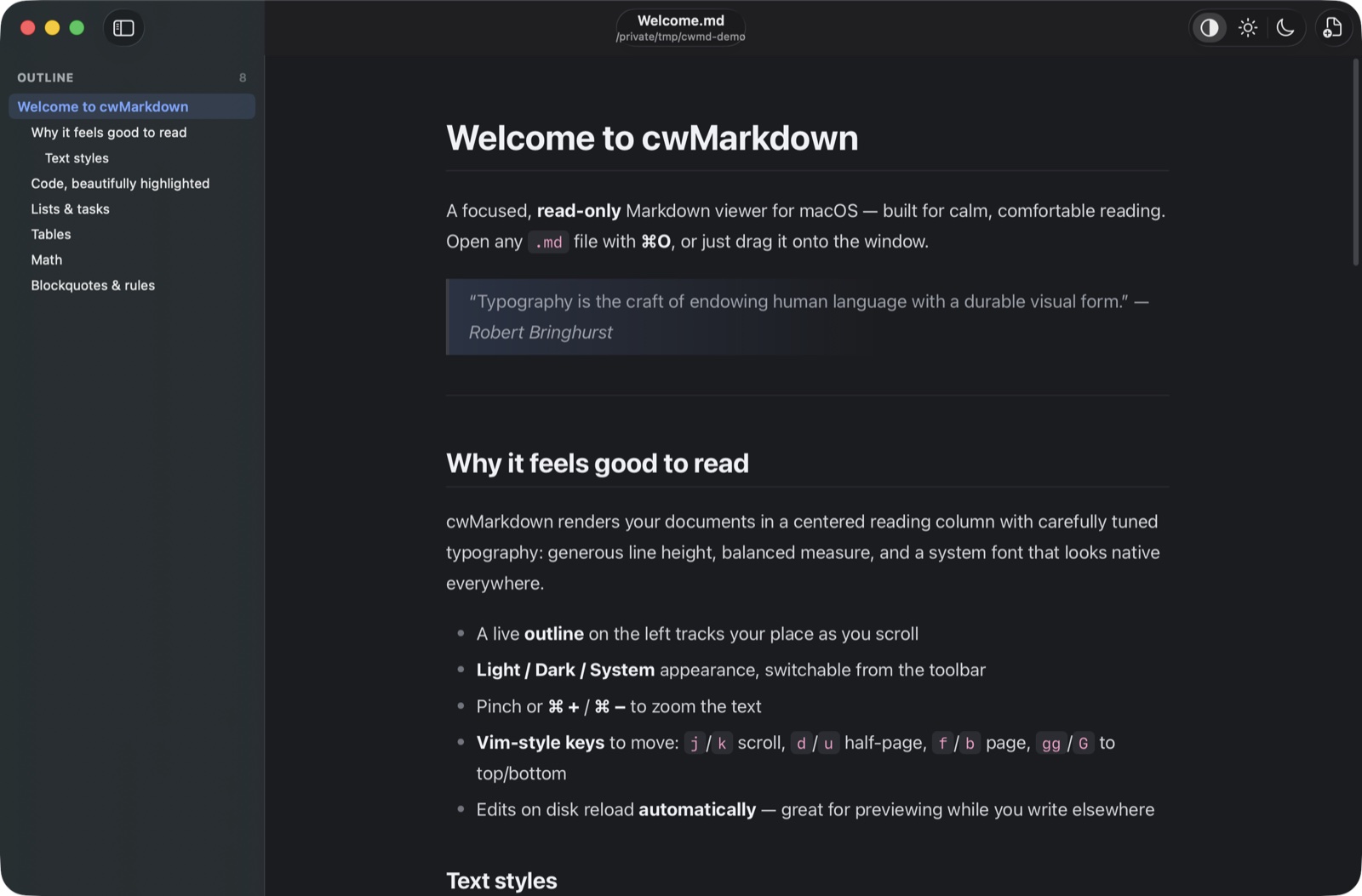
cwMarkdown reading a document: outline sidebar on the left, centered reading column, dark theme
The reading view — live outline on the left, a calm centered column on the right.
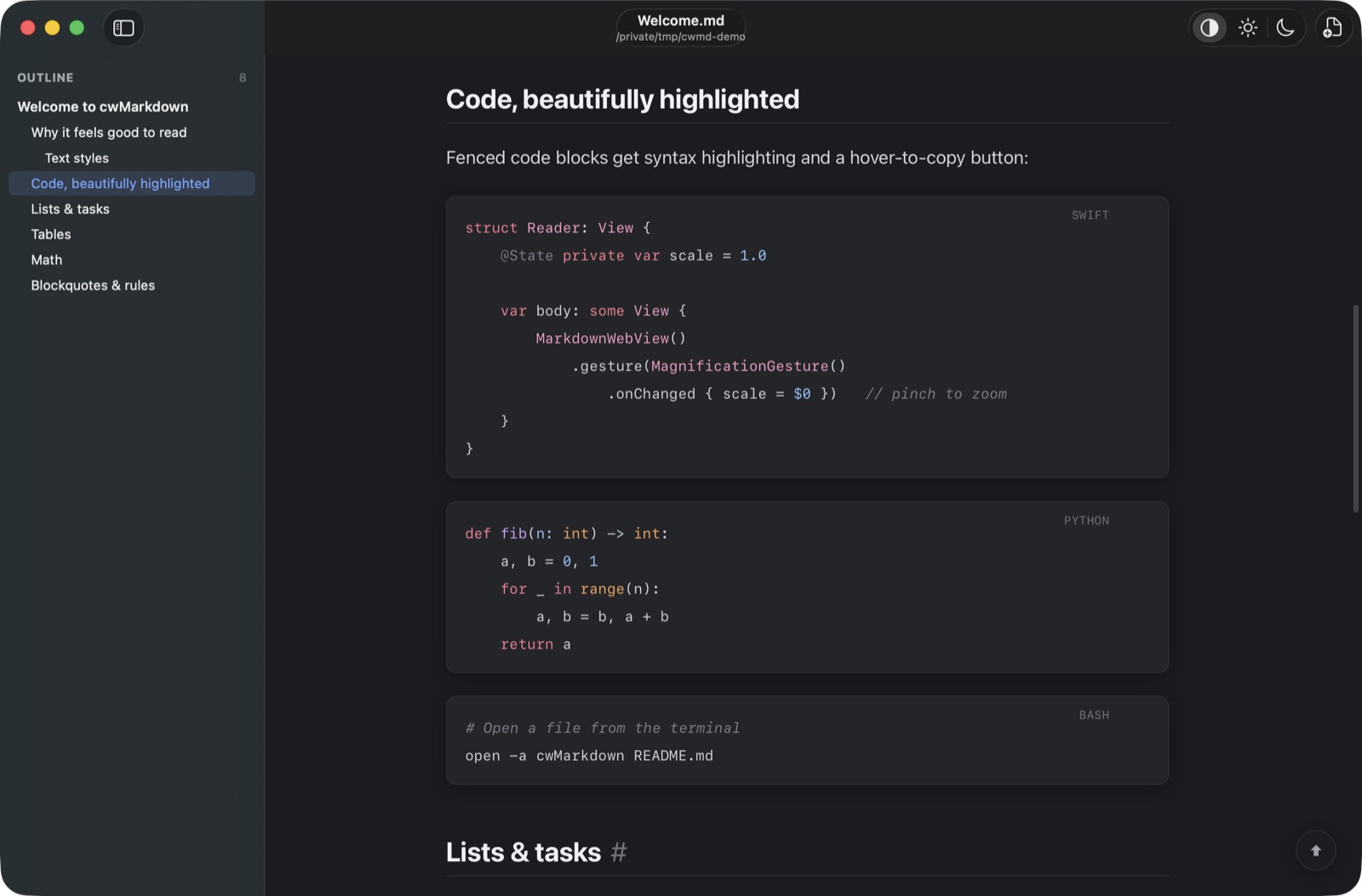
cwMarkdown showing syntax-highlighted code blocks in dark mode
Syntax-highlighted code, dark.
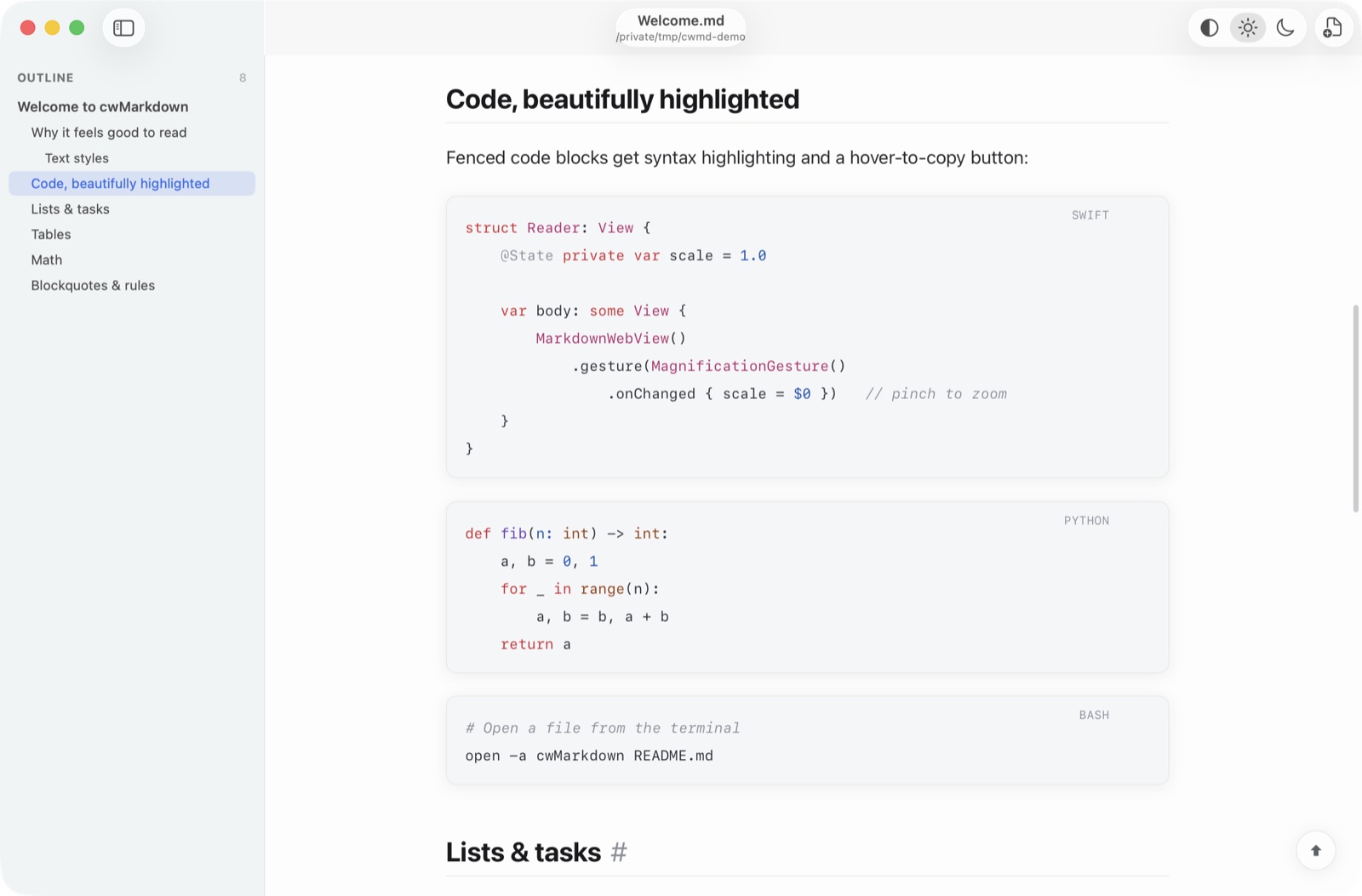
cwMarkdown showing the same code blocks in light mode
Same document, light.

What it is

cwMarkdown is a focused, read-only Markdown viewer for macOS. It deliberately has no editor: the entire surface area is given to presentation, so a document looks as good as the writing in it. The goal is the reading experience of Typora — clean measure, comfortable line height, a native system font — in a small, fast, native app.

Under the hood it’s a SwiftUI app that renders Markdown in a WKWebView, which gives pixel-level control over typography while keeping the window chrome, toolbar, and outline fully native. Parsing is done with marked, code is highlighted with highlight.js, and math is typeset with KaTeX — everything bundled, so the viewer works with no network access at all.

Features

Typora-style reading
A centered column with a balanced measure, generous line height, and the native system font. Headings, blockquotes, tables, task lists, footnotes, kbd keys, and ==highlight== are all styled with care in both light and dark.
Live outline
A sidebar auto-generated from your headings. The current section highlights as you scroll, and clicking any entry jumps straight to it. Toggle it with \.
Code & math
Fenced code blocks get language labels, syntax highlighting, and a hover-to-copy button. Inline and display equations render with KaTeX — fonts included for fully offline math.
Light / Dark / System
Switch appearance instantly from the toolbar, or follow the system automatically. The reading theme and code palette both adapt.
Live reload
Edit the file in your editor of choice and cwMarkdown refreshes the view automatically — an ideal preview pane that stays out of your way.
Open anything
O, drag-and-drop onto the window, or “Open With” from Finder. Handles .md, .markdown, .mdown, .txt, and more.

Keyboard

Standard macOS shortcuts, plus vim-style navigation once you click into the reading area.

OOpen a file
\Toggle outline
+ / Zoom text in / out
0Actual size
j / kScroll down / up
d / uHalf page down / up
f / b / SpaceFull page down / up
gg / GJump to top / bottom

Install & use

cwMarkdown runs natively on Apple Silicon and is tiny — the whole installer is under 2 MB.

⤓  Download cwMarkdown-1.0.dmg
macOS 13+ · Apple Silicon · 1.6 MB
Open the DMG and drag cwMarkdown.app into Applications. First launch: right-click the app and choose Open (the DMG is signed but not notarised by Apple yet, so Gatekeeper asks once).