
Turtle
a browser engine written from scratch in ZigA web browser with a rendering engine written completely from scratch in Zig, paired with Google’s V8 for JavaScript. Two years of solo work — extremely lightweight, and about 2× faster than Chrome in early testing.
No Chromium, no WebKit, no Gecko. The HTML parser, CSS cascade, layout engine, and paint pipeline are all hand-written in Zig; only the JavaScript virtual machine is borrowed from Google’s V8. The result is a browser small enough to reason about end to end, and fast enough to beat the mainstream engines on the same hardware.
Download
Turtle 0.01.4, pre-alpha
It is early — an honest look at a from-scratch engine in progress, not a browser to switch to.
Version 0.01.4 — pre-alpha
Expect bugs, missing features, and crashes. Plenty of the web will render imperfectly or not at all. This is an early look, not a daily driver.
Turtle-0.01.4-pre-alpha.dmg
- macOS 14 (Sonoma) or laterEarlier versions of macOS are not supported.
- Apple Silicon onlyAn arm64 build — M-series Macs. There is no Intel build.
- Pre-alpha, version 0.01.4No auto-update, no installer — just a DMG you drag to Applications.
The DMG is ad-hoc signed — not signed with an Apple Developer ID and not notarized, because there is no paid Apple Developer certificate behind this project yet. So the first time you open it, macOS may say Turtle is damaged or from an unidentified developer. Nothing is wrong with the download; this is Gatekeeper doing its job. To get past it:
- Open
Turtle-0.01.4-pre-alpha.dmgand drag Turtle into your Applications folder. - In Applications, right-click (or Control-click) Turtle and choose Open — don’t just double-click it.
- Click Open in the dialog that appears.
You only need to do this once. After that, Turtle opens normally.
Found a bug? Tell me. At this stage every crash report and broken page is useful — a URL and what went wrong is plenty.
haojng@gmail.comConformance
It passes Acid3, and it renders the real web
As of today, Turtle passes the Acid3 test with a perfect 100/100 — the same conformance bar the mainstream engines cleared, met by a from-scratch engine.
On html5test.co Turtle scores
425 out of 588, against its own implementations of
the APIs the test probes. Plenty is still missing — WebRTC,
service workers, MathML and most media codecs among it — and
the score is climbing build by build.
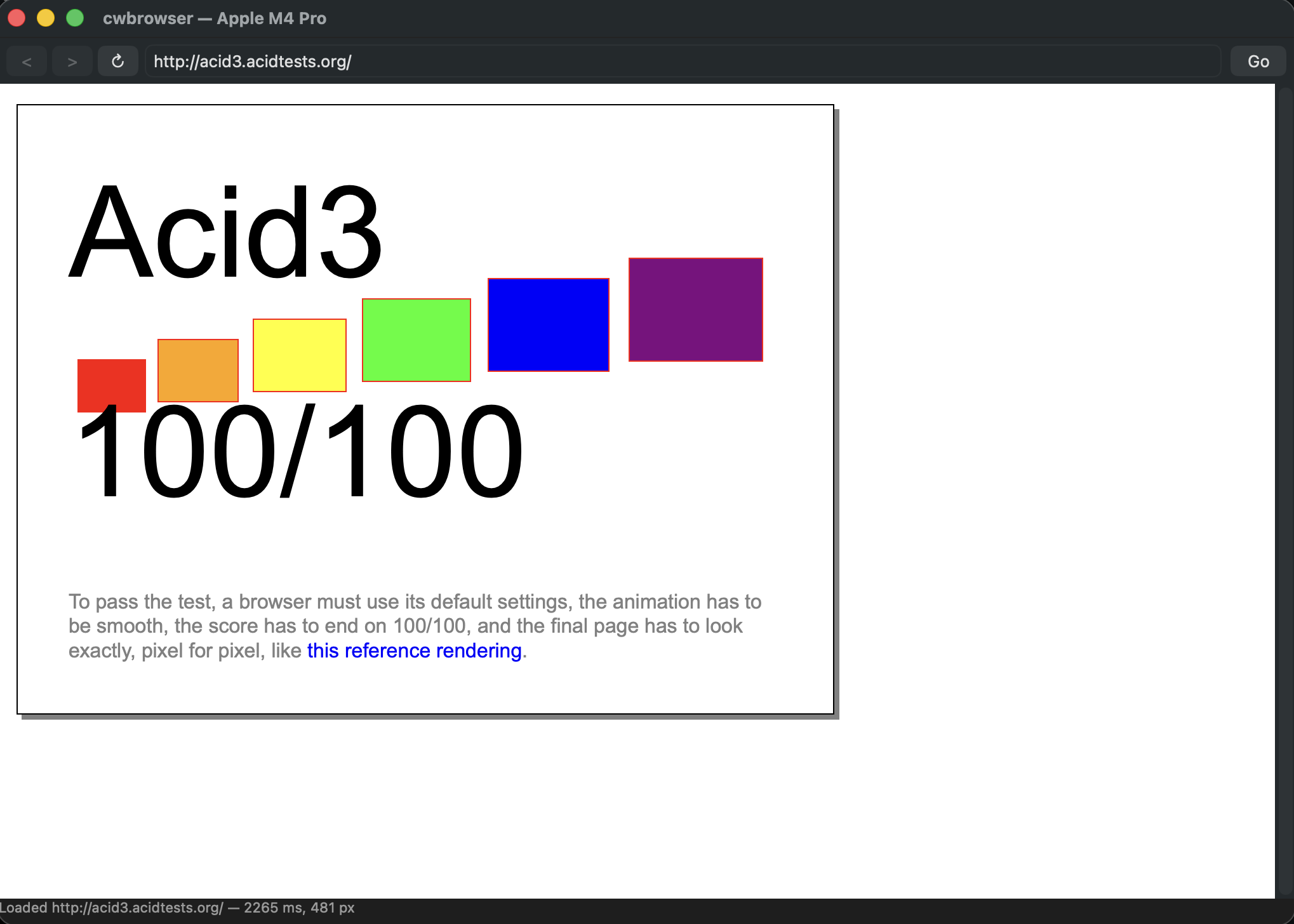
acid3.acidtests.org — a clean
100/100, drawn entirely by its own engine. The status bar tells the
rest of the story: the full page loaded and laid out in
2265 ms.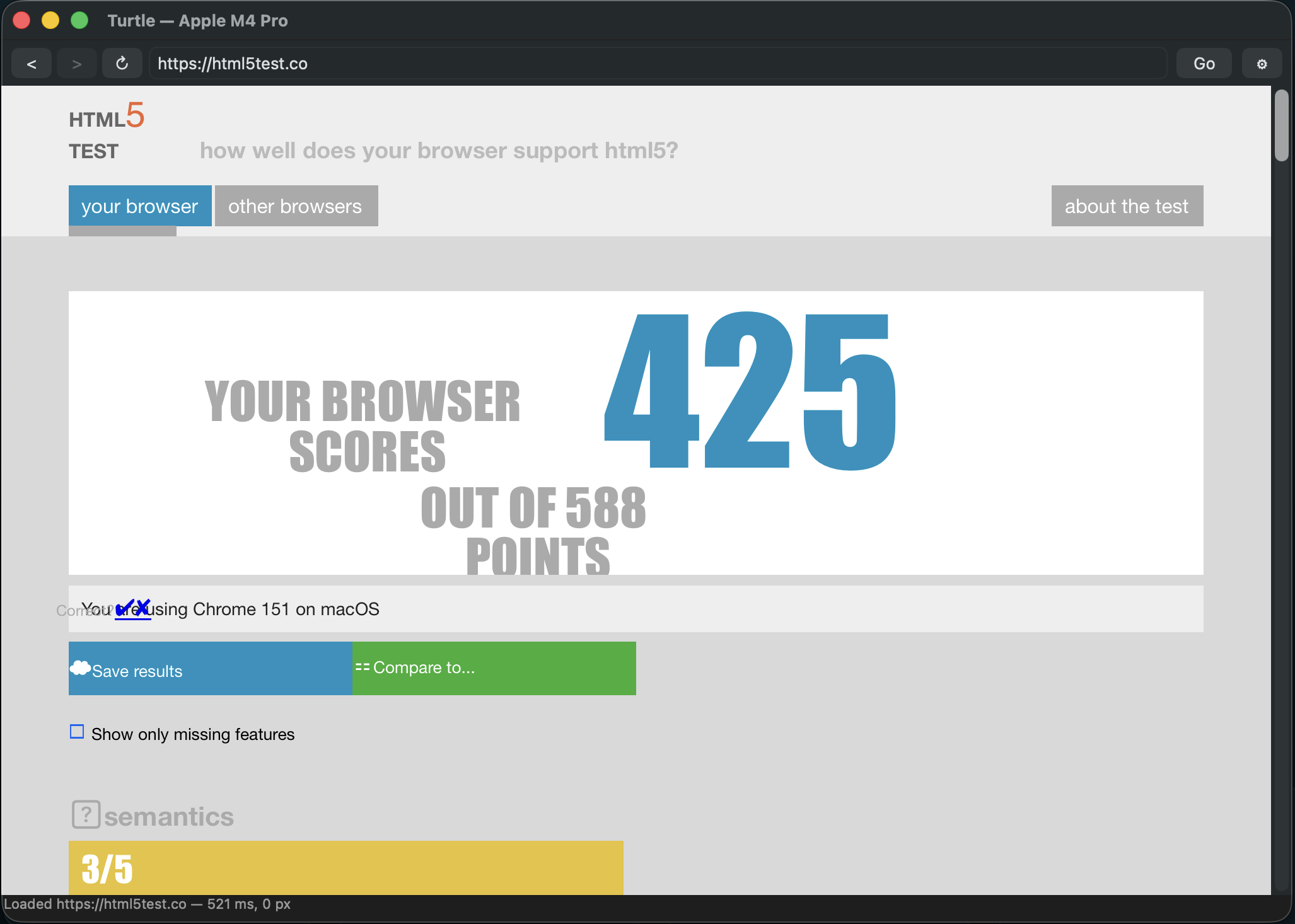
html5test.co —
425 of 588 points, every one of them scored by
Turtle’s own code. The test names the browser as Chrome
because Turtle sends a Chrome user-agent string so sites do not
turn it away; the engine underneath is entirely its
own.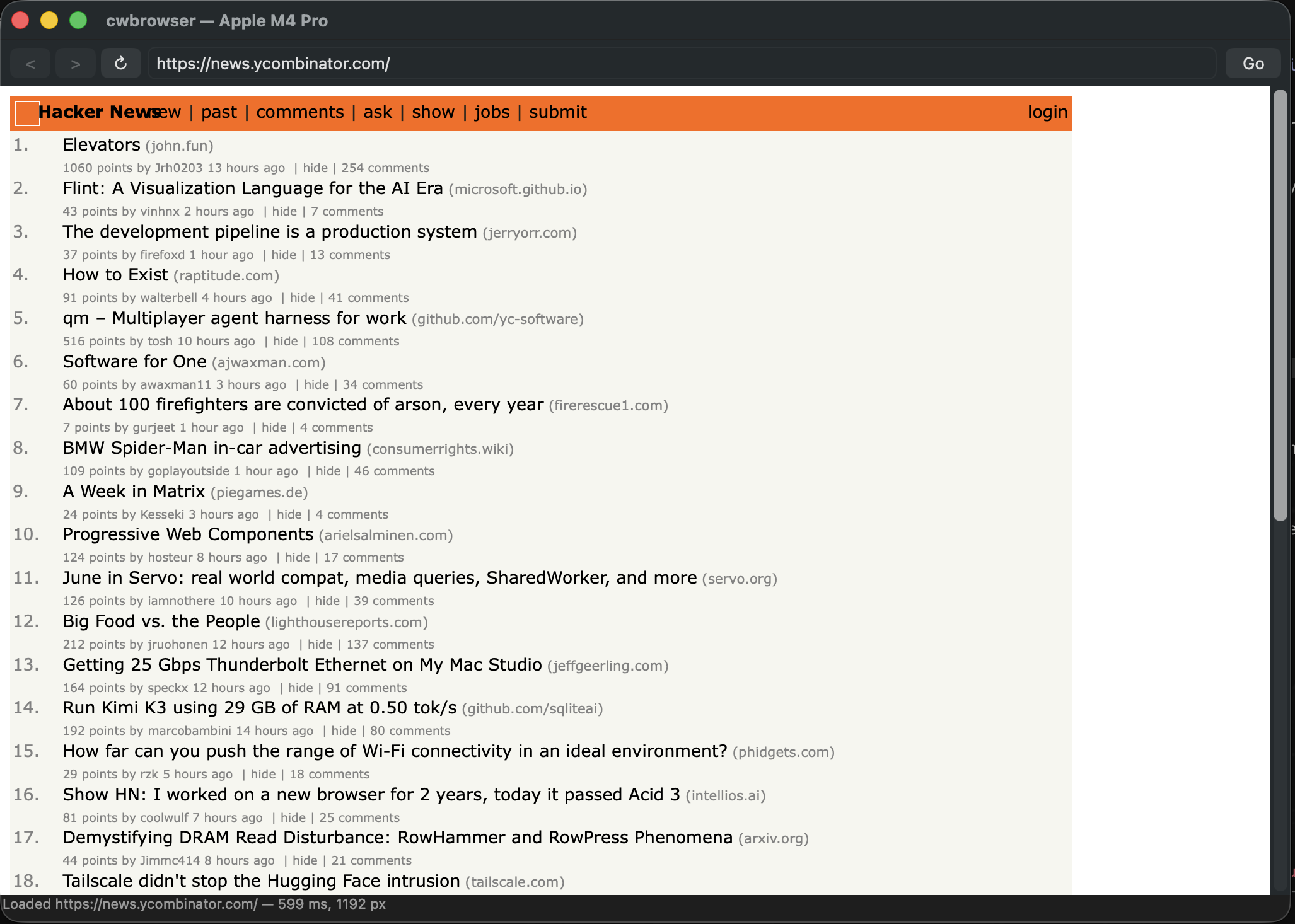
news.ycombinator.com homepage —
table-based markup as old as the web itself — laid out by
Turtle’s own engine in 332 ms.
What it is
An engine of its own
Turtle — previously called cwbrowser — is a desktop web browser built on a rendering engine I wrote from nothing over the last two years. Where Chrome ships Blink, Safari ships WebKit, and Firefox ships Gecko, Turtle ships an engine of its own: the tokenizer, DOM, CSS parser and cascade, the box-model layout pass, and the painting stage are all original code in Zig — a small, fast, memory-careful systems language.
The one piece it doesn’t reinvent is the JavaScript engine. Re-implementing a modern, JIT-compiling JS VM is a decade-scale project, so Turtle embeds Google’s V8 — the same engine inside Chrome and Node — and wires it to the from-scratch DOM. You get a real, standards-following browser where the parts that decide how the web looks are entirely hand-built.
How it’s built
Hand-written top to bottom — except the JS VM
Language
Zig for the whole rendering engine — manual memory management, no garbage collector, no hidden runtime.
HTML & DOM
A from-scratch tokenizer and tree builder producing a live DOM that the engine and V8 both operate on.
CSS
Original parser and cascade — selectors, specificity, inheritance, the box model — feeding the layout pass.
Layout & paint
Hand-written block/inline layout and a paint pipeline that renders pixel-for-pixel to match the Acid3 reference.
JavaScript
Google’s V8, embedded and bound to the DOM — the same VM that powers Chrome and Node.
Performance
Roughly 2× Chrome on the same machine in early tests; the whole engine is lightweight by design.
Why
Why build a browser from scratch?
The modern web runs on three rendering engines, all enormous, and all descended from code written more than twenty years ago. Turtle is a bet that a browser engine can be rebuilt today — smaller, faster, and understandable by one person — using a modern systems language and only borrowing the one component (the JS VM) that genuinely isn’t worth reinventing. Passing Acid3 at 100/100 is the first proof the approach holds up against real standards.